Best Webcams for Remote Work and Video Calls in 2026
Compare the best webcams for remote work, video calls, presentations, and low-light home offices, with Amazon affiliate picks and setup tips.
Affiliate disclosure: Smart Workspace Guide may earn a commission from qualifying purchases made through Amazon links. This does not change your price.
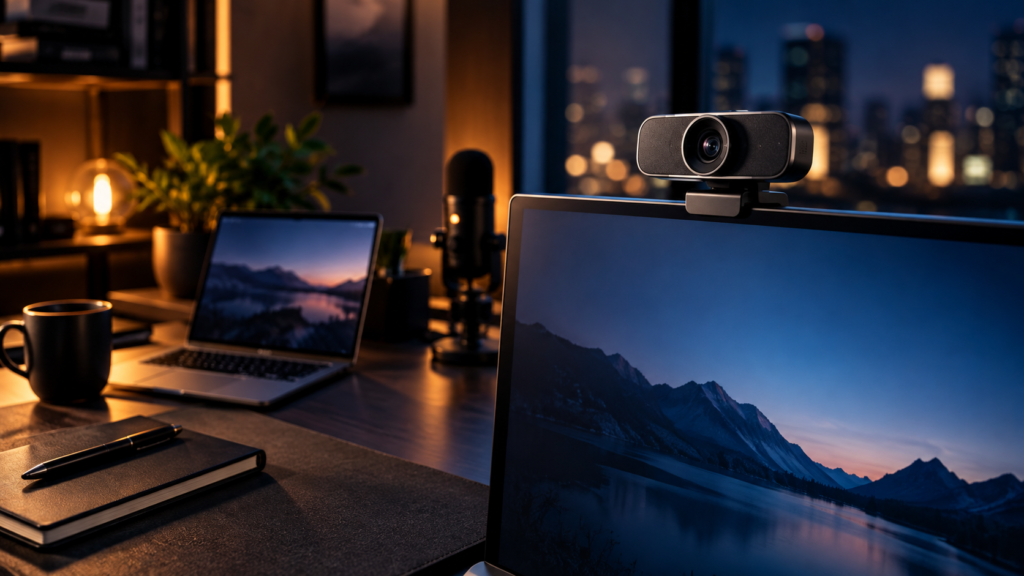
A better webcam can make remote work feel more polished, but image quality depends on more than resolution. Lens quality, autofocus, low-light performance, framing, desk lighting, and privacy controls all affect how professional you look on calls.
Before buying a webcam, improve your lighting, place the camera near eye level, and choose a model with reliable autofocus and low-light handling.
Quick picks
- Best premium option: Logitech Brio 4K
- Best practical option: Insta360 Link 2
- Best flexible option: Razer Kiyo Pro Ultra
Comparison table
| Product | Best for | Check first | Amazon |
|---|---|---|---|
| Logitech Brio 4K | Reliable business video calls | Make sure your meeting app and computer can use the resolution and frame rate you expect. | Amazon |
| Insta360 Link 2 | Smart framing and presentation flexibility | Review software requirements and whether AI framing fits your actual meeting style. | Amazon |
| Razer Kiyo Pro Ultra | Premium low-light image quality | It is overkill for basic meetings unless camera quality is part of your professional presence. | Amazon |
Recommended products
Logitech Brio 4K
Best for: Reliable business video calls
A widely used premium webcam for professionals who want sharp video, broad app compatibility, and a straightforward desk setup.
Before you buy: Make sure your meeting app and computer can use the resolution and frame rate you expect.
Insta360 Link 2
Best for: Smart framing and presentation flexibility
A strong option when you want intelligent framing, desk-view style workflows, and more dynamic camera control for presentations.
Before you buy: Review software requirements and whether AI framing fits your actual meeting style.
Razer Kiyo Pro Ultra
Best for: Premium low-light image quality
A higher-end option for users who want a larger-sensor look and better performance in darker rooms or creator-style setups.
Before you buy: It is overkill for basic meetings unless camera quality is part of your professional presence.
How to choose the right option
Start with your actual desk workflow. A good product should solve one clear problem: sharper video calls, better low-light performance, stable autofocus, or clean desk framing. Avoid buying the most expensive option unless you will use the extra capability every day.
For Amazon shopping, open each product page and confirm the current price, return window, compatibility notes, and recent customer photos. Product listings can change, so the safest buying habit is to match the model name and specifications before checkout.
Setup tips that matter
- Put light before resolution: a well-lit 1080p camera often looks better than a dark 4K image.
- Mount near eye level: camera height does more for professionalism than most software filters.
- Check privacy controls: a physical shutter or easy disconnect is useful in a full-time home office.
Related workspace guides
- Read next: desk lamps for video calls
- Read next: USB-C docks for dual monitors
- Read next: productive workspace for remote workers
FAQ
Is a 4K webcam worth it for remote work?
It can be worth it if you crop, present, record, or want a sharper image. For normal meetings, lighting and placement often matter more.
What makes a webcam look professional?
Soft front lighting, eye-level placement, stable autofocus, a clean background, and good exposure usually make the biggest difference.
Do I need a separate microphone?
A separate microphone can improve audio, but many webcam microphones are acceptable for casual meetings. For client calls or recordings, audio is worth upgrading.
Sources and product research
This guide was prepared from manufacturer product information, practical home-office setup criteria, and Amazon product research for: Logitech Brio 4K, Insta360 Link 2, Razer Kiyo Pro Ultra.
- Logitech Brio 4K product information
- Insta360 Link 2 product information
- Razer Kiyo Pro Ultra product information
About The Author