Best USB-C Docking Stations for Dual Monitors in 2026
Compare USB-C docking stations for dual monitors, laptop charging, cleaner cables, and reliable home office setups. Learn what to check before buying.
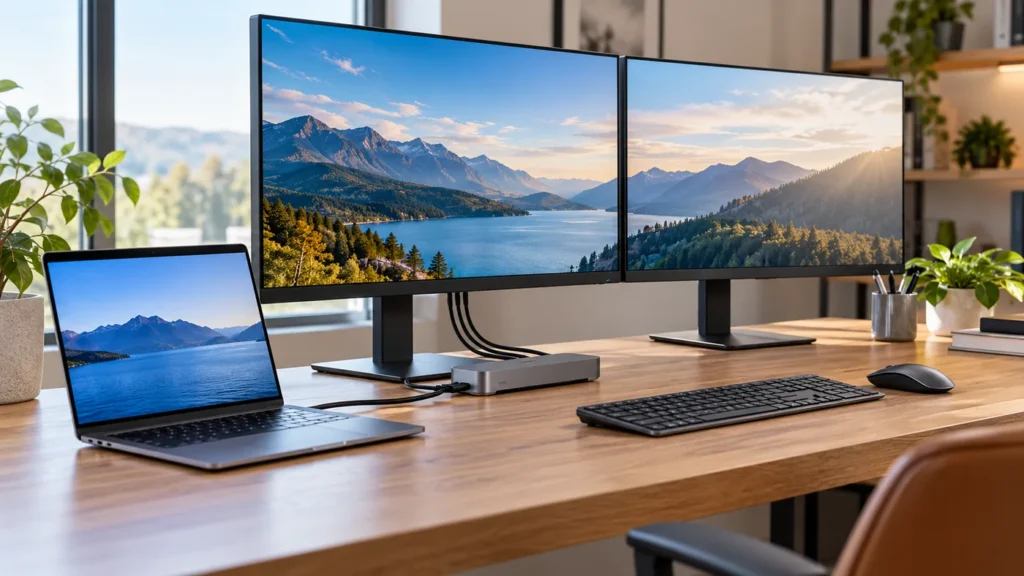
Quick answer: confirm display support before buying
The biggest docking-station mistake is assuming every USB-C port can run two monitors. Check your laptop’s USB-C, Thunderbolt, or DisplayLink support, then confirm monitor resolution, refresh rate, and power delivery before buying.
Helpful next step: Plan the budget Get the free checklist
Affiliate disclosure: Smart Workspace Guide may earn a commission from qualifying purchases made through Amazon links. This does not change your price.
A good USB-C dock turns a laptop into a real workstation: one cable for monitors, charging, keyboard, mouse, Ethernet, and storage. The important part is matching the dock to your laptop, monitor resolution, and power needs.
For most home offices, prioritize stable dual-display support, enough power delivery for your laptop, and ports you actually use every day.
Quick picks
- Best premium option: Plugable UD-6950PDZ USB-C Docking Station
- Best practical option: Anker 575 USB-C Docking Station
- Best flexible option: CalDigit TS4 Thunderbolt Dock
Comparison table
| Product | Best for | Check first | Amazon |
|---|---|---|---|
| Plugable UD-6950PDZ USB-C Docking Station | Dual 4K productivity setups | DisplayLink-based docks may require driver installation on some systems. | Amazon |
| Anker 575 USB-C Docking Station | One-cable desk setups | Check monitor support against your exact laptop, especially on MacBooks. | Amazon |
| CalDigit TS4 Thunderbolt Dock | Premium Thunderbolt workstations | Best value only if your laptop supports Thunderbolt/USB4 and you need the extra performance. | Amazon |
Recommended products
Plugable UD-6950PDZ USB-C Docking Station
Best for: Dual 4K productivity setups
A strong fit for users who want a dependable desk dock with multiple display outputs and laptop charging.
Before you buy: DisplayLink-based docks may require driver installation on some systems.
Anker 575 USB-C Docking Station
Best for: One-cable desk setups
A compact option for users who want many ports, power delivery, and a simpler daily laptop connection.
Before you buy: Check monitor support against your exact laptop, especially on MacBooks.
CalDigit TS4 Thunderbolt Dock
Best for: Premium Thunderbolt workstations
A higher-end dock for creators and power users who need more bandwidth, ports, and expansion room.
Before you buy: Best value only if your laptop supports Thunderbolt/USB4 and you need the extra performance.
How to choose the right option
Start with your actual desk workflow. A good product should solve one clear problem: cleaner cable management, better ergonomics, faster laptop docking, or more professional video calls. Avoid buying the most expensive option unless you will use the extra capability every day.
For Amazon shopping, open each product page and confirm the current price, return window, compatibility notes, and recent customer photos. Product listings can change, so the safest buying habit is to match the model name and specifications before checkout.
Setup tips that matter
- Measure first: desk thickness, available depth, monitor size, and cable reach matter more than product photos.
- Plan the cable path: the cleanest setup usually leaves one main cable path behind the desk.
- Keep one upgrade goal: buy for posture, speed, focus, or video quality instead of trying to fix everything at once.
Related workspace guides
- Read next: productive workspace for remote workers
- Read next: efficient home office guide
- Read next: ideal smart workspace tips
FAQ
Can every USB-C dock run two monitors?
No. Dual-monitor support depends on the dock, your laptop’s USB-C/Thunderbolt capabilities, operating system, and the resolution/refresh rate you want.
What is the difference between USB-C and Thunderbolt docks?
Thunderbolt docks usually provide more bandwidth and expansion options, but they cost more and require compatible hardware to get the benefit.
Is 100W charging necessary?
Not always. It is useful for power-hungry laptops, but smaller ultrabooks may be fine with less. Check your laptop charger wattage.
Sources and product research
This guide was prepared from manufacturer product information, practical home-office setup criteria, and Amazon product research for: Plugable UD-6950PDZ USB-C Docking Station, Anker 575 USB-C Docking Station, CalDigit TS4 Thunderbolt Dock.
- Plugable UD-6950PDZ product information
- Anker 575 docking station product information
- CalDigit TS4 product information
About The Author